Product Walkthrough
See how Compa guides users from risk to recovery.
1. User Onboarding & Setup
When a user first launches Compa, they are greeted by a clean, reassuring interface. Our priority is to establish trust and quickly get them to the "Prepare" stage.
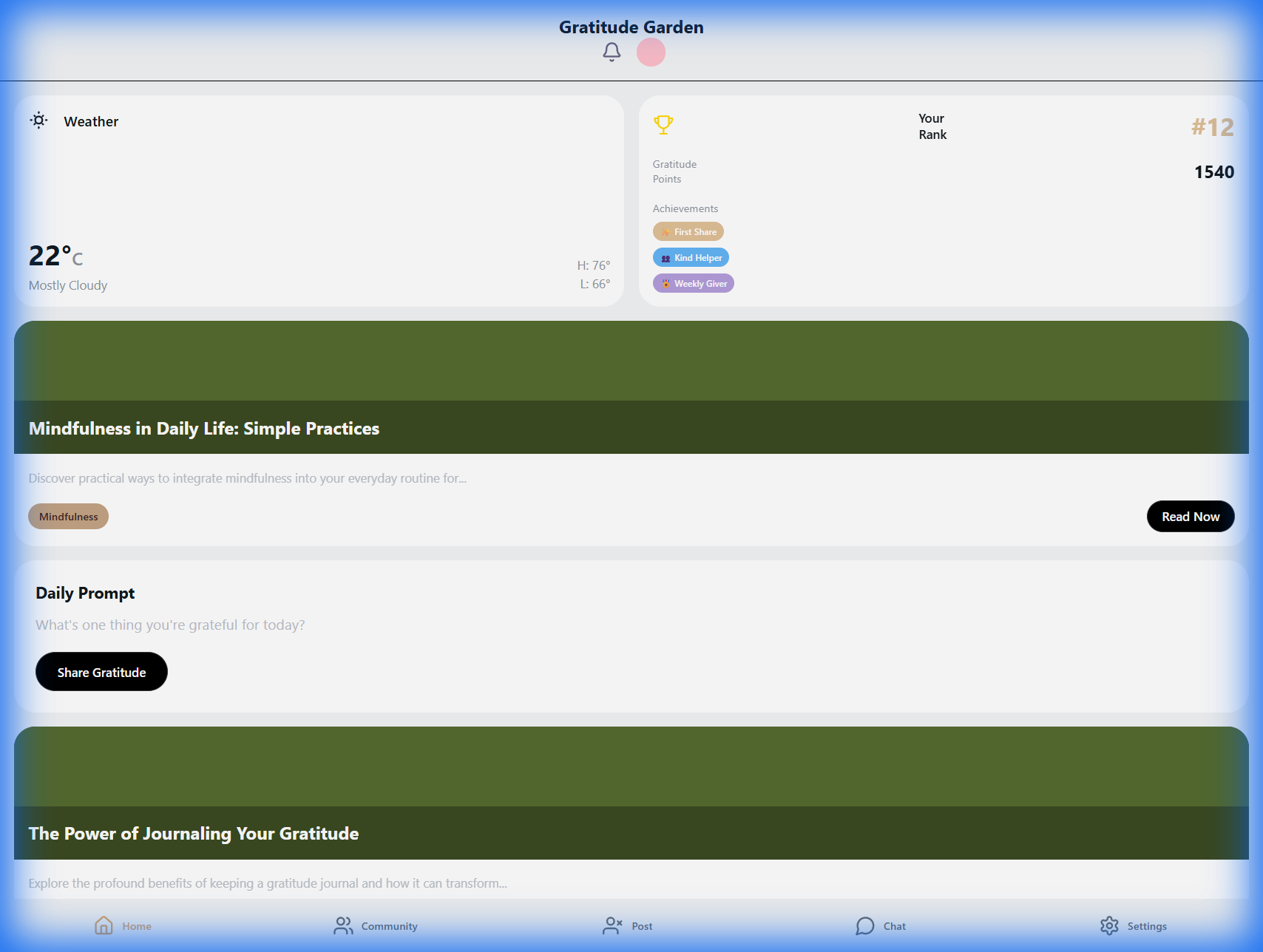
Welcome Screen: Users can fully customize their safety dashboard. You choose which widgets appear front and center—whether it's the daily weather risk, community leaderboard, or emergency alerts—ensuring the most relevant information is always one tap away.
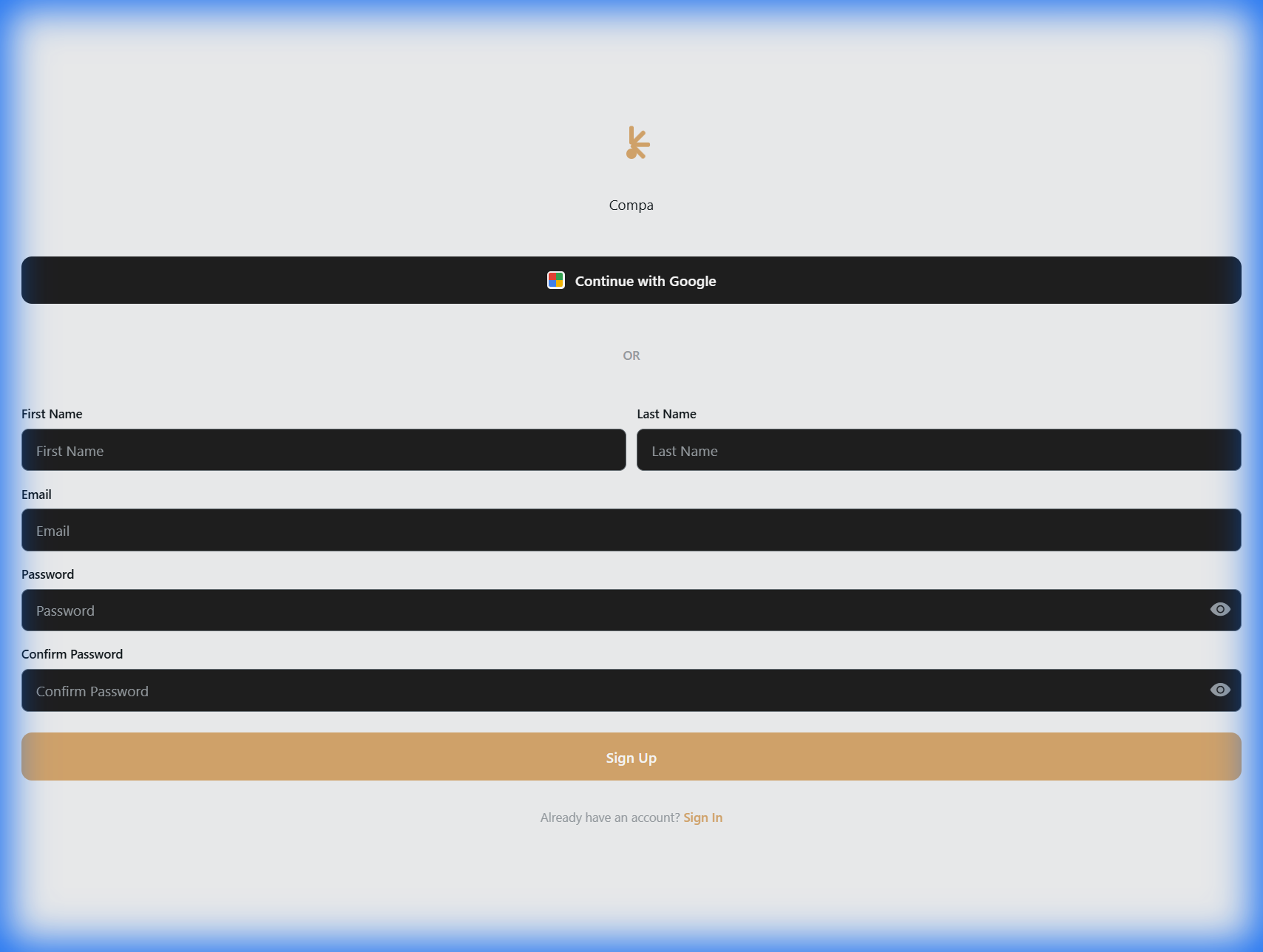
Account Creation: Fast and secure signup ensures users can quickly join their neighborhood network.
2. The "Prepare" Dashboard
Technical Note: This view is powered by the
EmergencyAnalysisOrchestrator, which aggregates WeatherAlertService API
data and local EvacuationZoneService lookups.
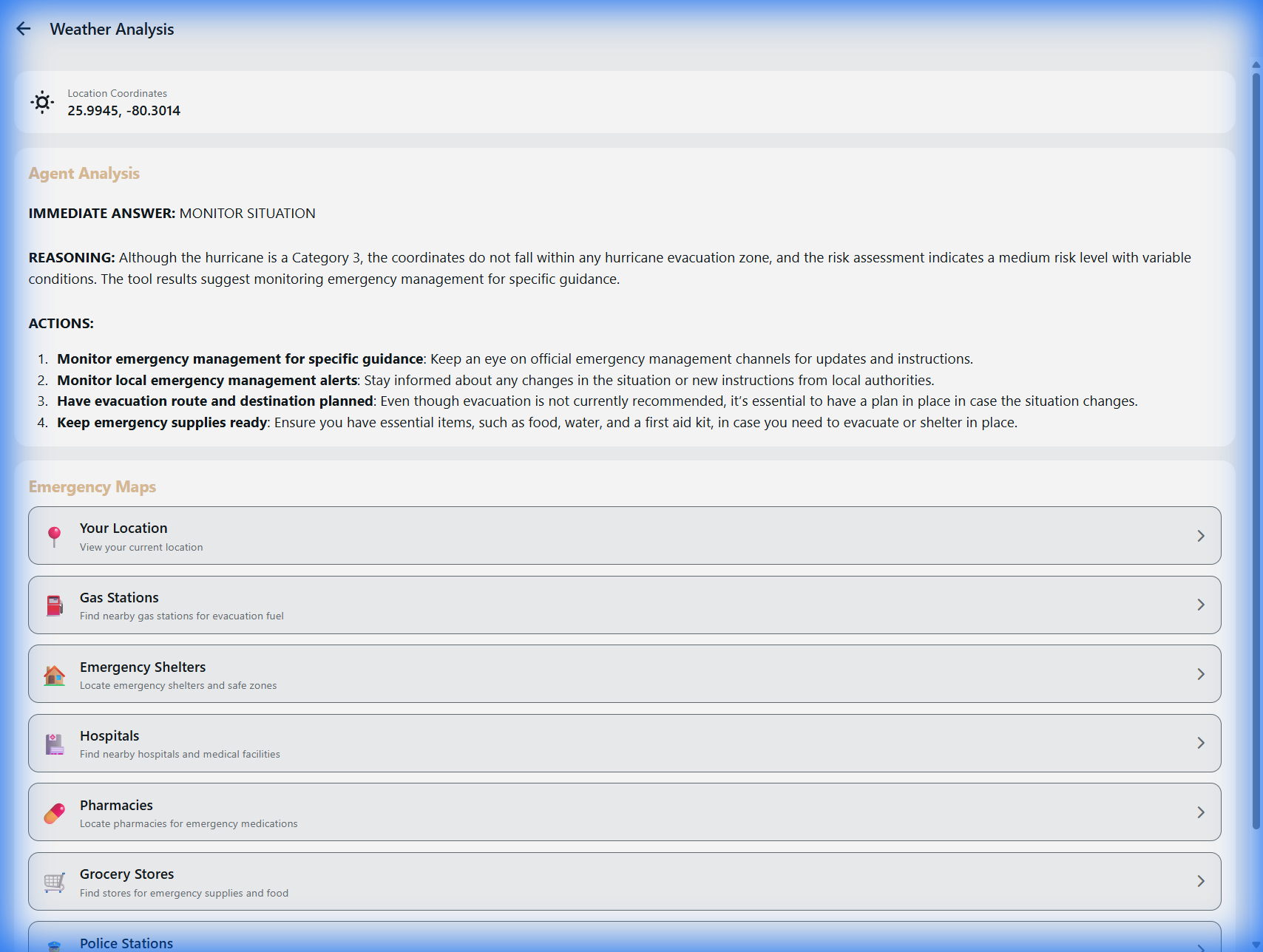
Proactive Emergency Intelligence
This isn't just a weather forecast; it's a survival tool. The dashboard combines AI-driven Agent Analysis with real-time Emergency Maps.
By analyzing your precise location against evacuation zones and storm trajectories, Compa gives you a head start. It proactively prompts you to prepare before a crisis hits, offering actionable advice on evacuation routes and shelter safety. This turns panic into a planned, safe response.
- ✅ Agent Analysis: Interprets complex data into simple actions (e.g., "Prepare to Evacuate").
- 📍 Emergency Maps: visualizes your position relative to danger zones.
3. Community Response (The Altruism Engine)
The heart of Compa is neighbors helping neighbors. Users can instantly connect with their community to find or offer aid.
Requests
"Urgent: Need sandbags"
Matched with nearby offers using vector search.
Offers
"Spare generator available"
Proactively prompts users with resources to help.
Info/Alerts
"Road closure due to flooding"
Verified community intelligence.
Dynamic Community Feed
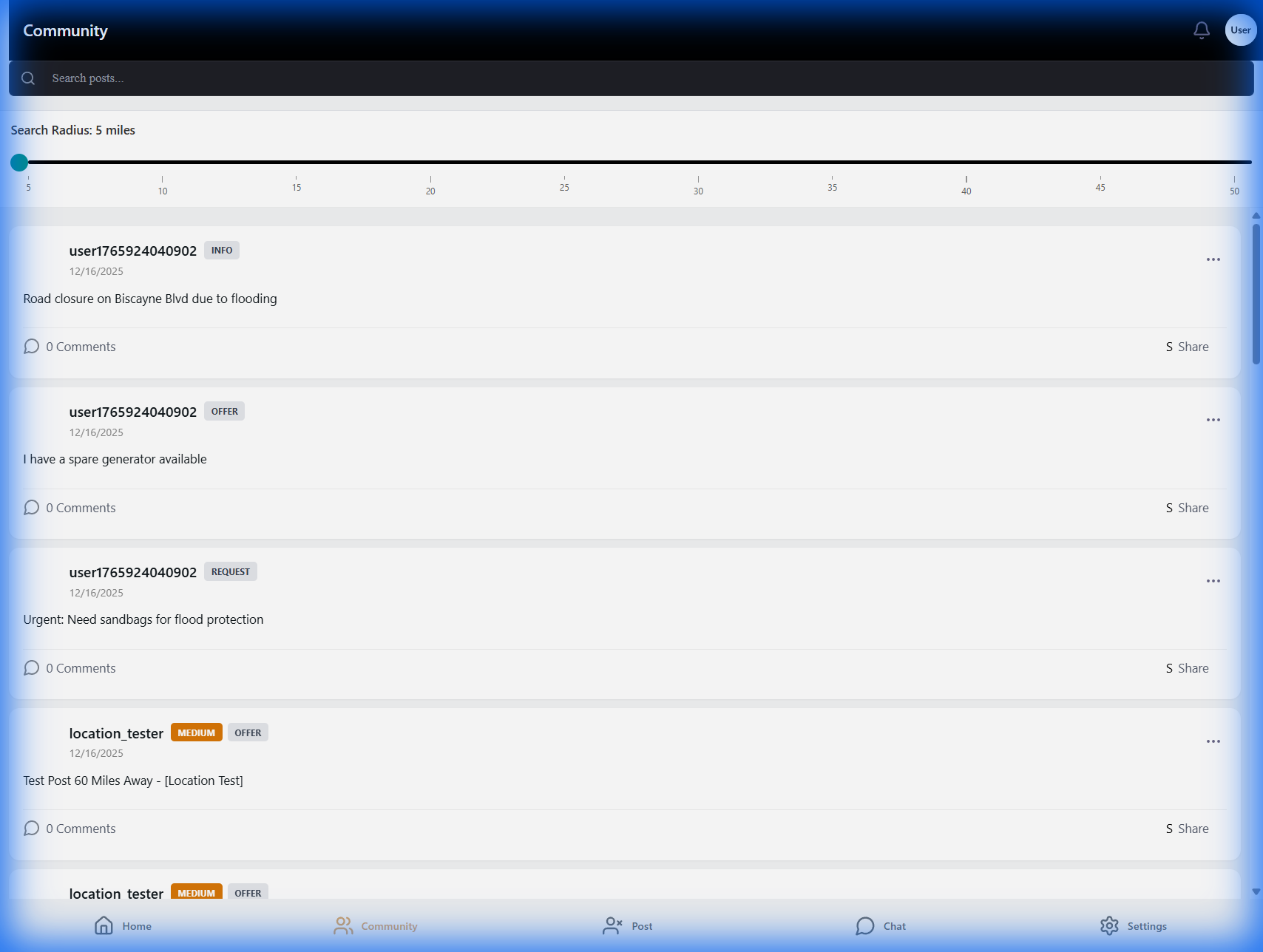
Rich Activity Feed: See a mix of Requests, Offers, and Alerts in real-time. Note the "Request" for sandbags and "Offer" of a generator.
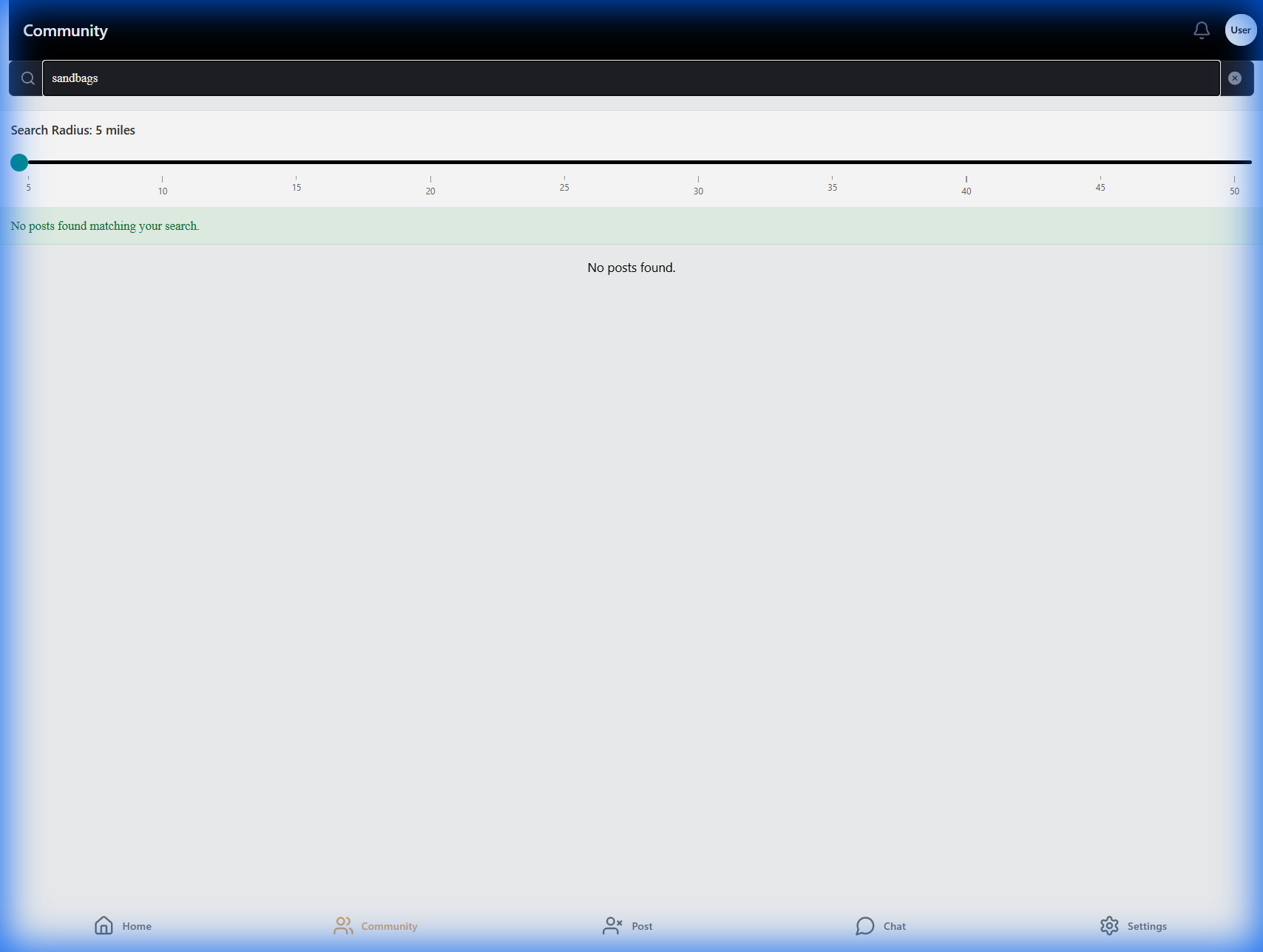
Dynamic Search: In chaos, clarity is key. Searching for "sandbags" instantly isolates the relevant request, cutting through noise.
Invest in Resilience
Compa is more than an app; it's digital infrastructure for community survival.
Back to Overview